

Natural8 Download India: Mobile Poker App for Android and iOS
Key Takeaways
- Android and iOS clients provide dedicated access to mobile poker.
- Poker requires the installed application rather than standard browser access.
- Multi-tabling and Smart Focus support mobile sessions across several tables.
- Smart Betting offers three suggested bet sizes in selected cash-game formats.
- PokerCraft and Smart HUD provide hand history, session analysis, and player statistics.
- Mobile Cashier supports available deposit and withdrawal options linked to the user’s account.
Natural8 Pocket Poker Setup for Android Phones and iPhones
The mobile poker client is designed for Android and iOS devices, giving players a dedicated way to access supported games from a phone or tablet. Players looking for a Natural8 Poker download should use the official download section and select the version matching their device’s operating system. This approach avoids unofficial distribution sources and reduces the risk of selecting an incompatible client.
The mobile setup covers:
- Android smartphones;
- Android tablets;
- iPhone devices;
- iPad devices.
Choosing the Android Version for a Smartphone or Tablet
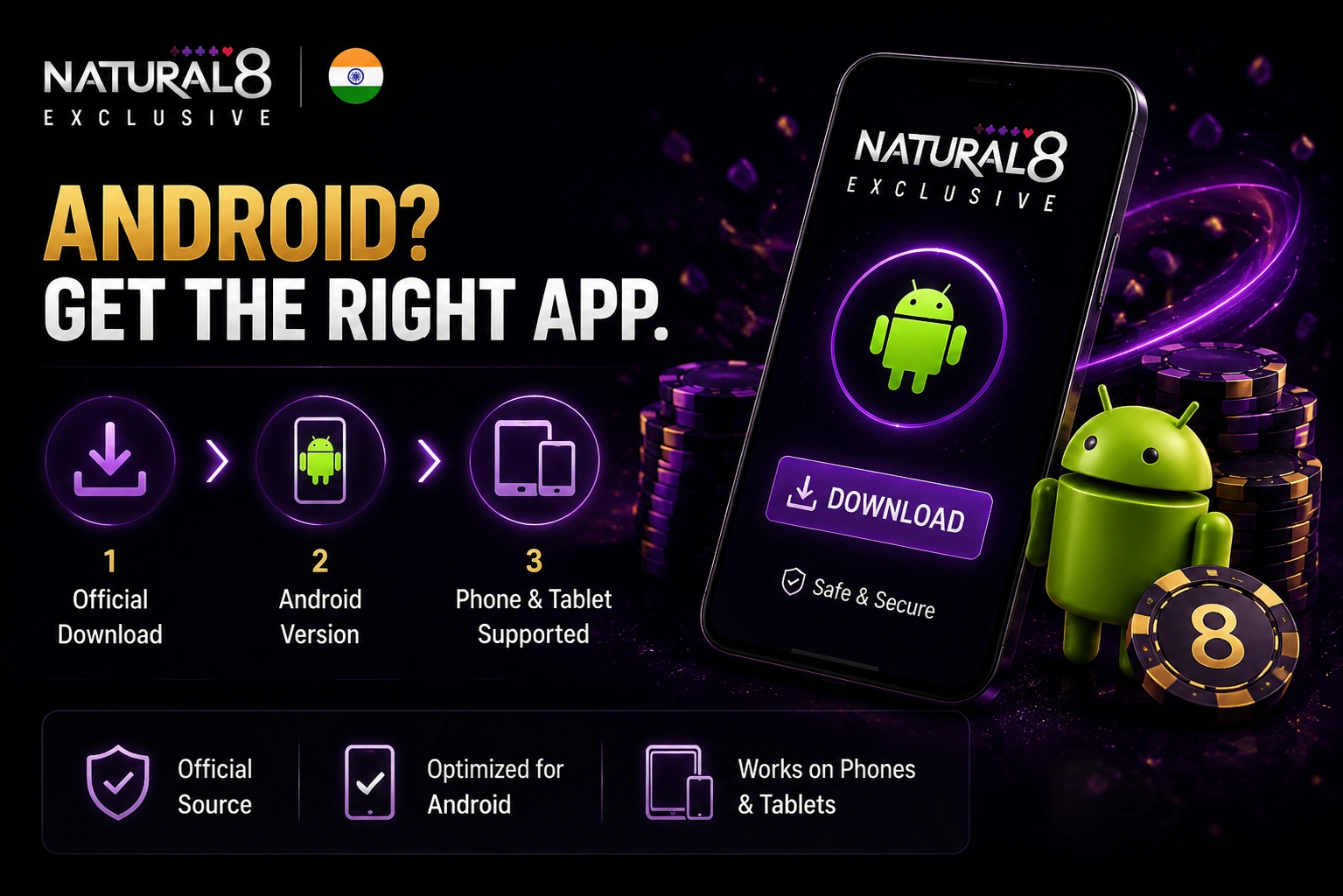
Android users should choose the mobile version provided for their device through Natural8’s official download section. The client is available for supported Android smartphones and tablets.
Getting the iOS Client Ready for Mobile Play
iPhone and iPad users should follow the official distribution route for the iOS client. After installation, players can proceed to account login or registration before accessing the available poker features.
Getting the Mobile Client Ready Before the First Poker Hand
After installing the Natural8 client, users can open the app and prepare their account for poker sessions. Existing players can sign in with their current credentials, while new users can complete registration within the application. Once the account is ready, the main interface provides access to the available poker sections and account functions.
Account Sign-In, Registration and Access to the Game Lobby
The installed application is required for accessing real-money poker cash games and tournaments. After signing in or creating an account, players can enter the game lobby and select an available format, while standard web browsing is not presented as an alternative for poker play.
Touch-First Poker Play When Several Tables Need Attention
The Natural8 mobile application is designed for sessions where players need to monitor more than one table from a touchscreen. Multi-tabling is supported on both mobile and desktop, while Smart Focus is designed to simplify table management on mobile devices.
Multi-Tabling, Smart Focus and Mobile Table Navigation
Managing several tables on a smaller screen requires quick navigation between active hands. Smart Focus reduces manual switching by directing attention to the table where an action is currently required, while touch controls handle the remaining table interactions.
| Feature | Function |
| Multi-tabling | Supports simultaneous play across multiple tables |
| Touch navigation | Provides direct control of tables and available actions |
| Smart Focus | Moves attention to the table requiring an action |
| Table switching | Helps manage active tables without searching through them manually |
| Device support | Available for supported mobile and desktop setups |
Mobile Cashier and Account Funding for Players in India
After the Natural8 India download is completed and the user signs in, account funding can be managed through the in-app Cashier. Players can open the cashier section and select a deposit or withdrawal option available to their particular account. The payment methods displayed may vary by country of residence, account status, and current availability, so no specific Indian payment method should be assumed without checking the cashier.
Deposits, Withdrawals and Payment Choices Inside the App
The mobile Cashier brings account funding and withdrawals into the same interface used to manage the poker account. Available options depend on the individual account, so users should rely on the methods currently displayed after signing in.
The Cashier can be used to:
- Select an available deposit method;
- Choose an eligible withdrawal option;
- Review transaction requirements;
- Manage account funds from the Android or iOS application.
Officially supported payment categories include bank transfers, cryptocurrencies, electronic wallets, and online payment systems.
Natural8 Smart Betting Built Specifically for Mobile Decisions
Smart Betting is a mobile-only tool that assists with bet sizing during active hands. It analyses available game information and displays suggested wager amounts directly on the screen, allowing players to consider predefined options without manually entering every value.
Three Suggested Bet Sizes for Hold’em, Rush & Cash and Omaha
The feature is available across selected cash-game formats, including Hold’em, Rush & Cash, and Omaha. Its availability is limited by game type and does not extend to tournament tables or All-In or Fold.
| Game Format | Smart Betting |
| Hold’em | Available |
| Rush & Cash | Available |
| Omaha | Available |
| Tournaments | Not available |
| All-In or Fold | Not available |
Reviewing Mobile Sessions with PokerCraft and Smart HUD
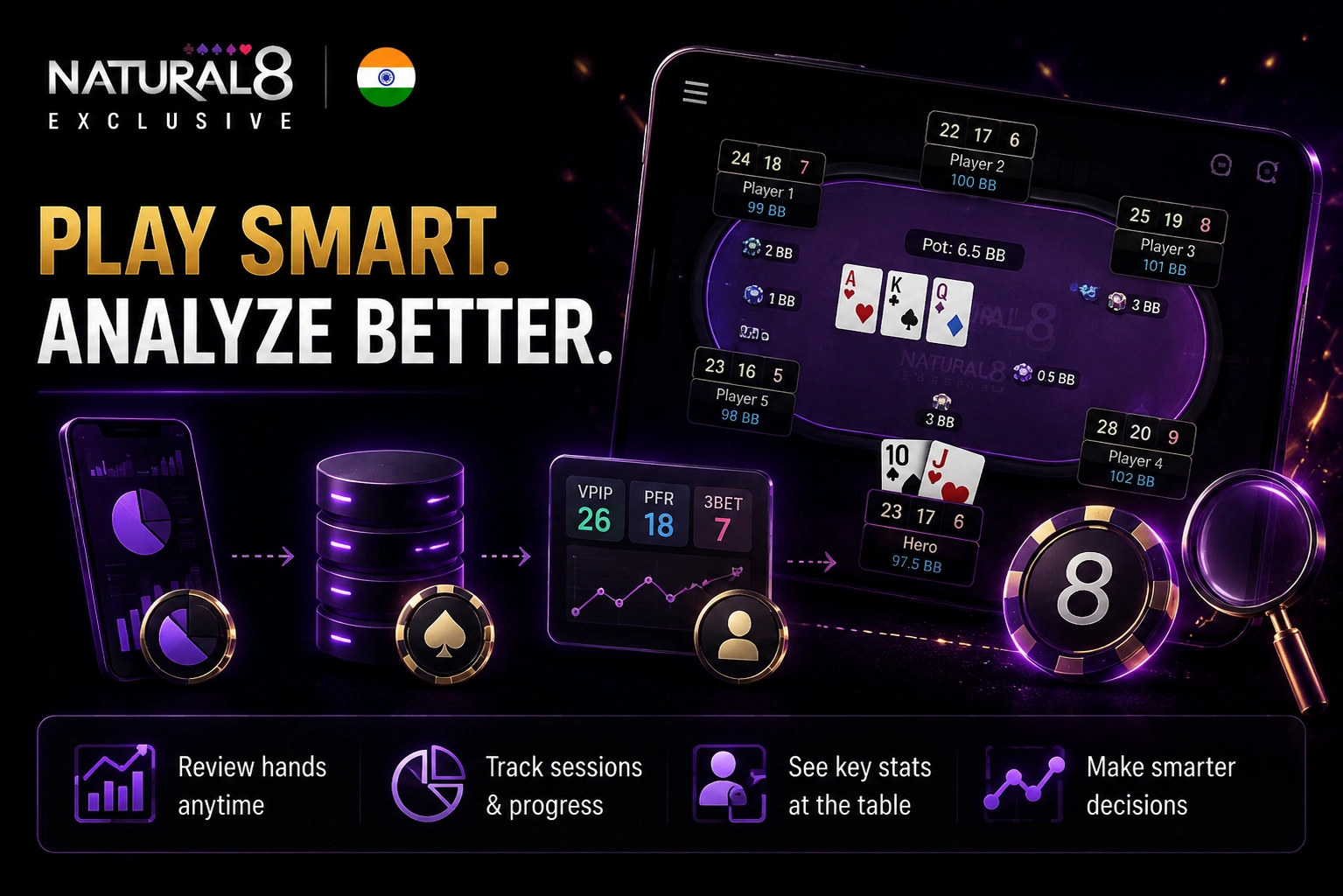
Mobile play can be combined with built-in analysis tools for reviewing hands and monitoring player information. PokerCraft stores hand history and session data for later analysis, while Smart HUD provides selected statistics directly at the table, giving mobile users additional context during play.
Hand History, Opponent Statistics and Notes Across Devices
On a mobile device, PokerCraft can be opened through My Page → PokerCraft to review recorded hands and sessions. Smart HUD displays VPIP and other player statistics during supported games, while universal player notes remain available across mobile and desktop, allowing the same observations to be accessed from different devices.
Natural8 Poker Lobby in Your Pocket from Cash Tables to Tournaments
The Natural8 mobile app brings the platform’s main poker formats into one mobile lobby, combining cash games with scheduled tournaments and freerolls. The selection covers both established poker variants and faster formats, while tournament options include different buy-in levels and event types.
The mobile lobby includes:
- Texas Hold’em;
- Omaha;
- Short Deck;
- Rush & Cash;
- All-In or Fold;
- Spin & Gold;
- Flip & Go;
- Mystery Battle Royale;
- Daily tournaments and freerolls;
- Events with different buy-in levels.
Natural8 Mobile Access, Region Checks and Player Help in India
For users in India, checking the current availability of Natural8 for their specific location is an important step before registration. Access can depend on the player’s jurisdiction and the rules applicable to that location, so availability should be confirmed through the official platform rather than assumed from the mobile application itself.
Regional restrictions should not be bypassed through unofficial methods, alternative access tools, or other workarounds. If the mobile client presents an installation, login, or account-access issue, players can contact the official support team for assistance.
Technical and account-related help is available 24/7 through Live Chat and email. This support channel can be used for questions related to the mobile application, account access, or other issues encountered while using the platform.
FAQs
Is the mobile app required for playing poker?
Yes. Poker games are accessed through the installed client, while the standard browser version does not provide the same poker functionality.
Can one account be used on both a phone and a computer?
Yes. Players can access their account from supported mobile and desktop clients, making it possible to switch devices without creating a separate poker account.
What should you check before downloading Natural8?
Confirm that the application version matches your device and obtain the client through the official distribution channel rather than an unofficial source.
Can mobile players use PokerCraft after a session?
Yes. PokerCraft can be opened from My Page to review recorded hands and session information after playing.
What should I do if the mobile application does not work correctly?
Players can contact the official support team through the available 24/7 Live Chat or email channels for assistance with installation, login, and other technical issues.